Why the UI Is Step 6, Not Step 1: The UI/UX Design Process Explained
Pretty screens feel like progress, but they are the most expensive place to start. Here is the order I actually design in and why the UI waits until step six.
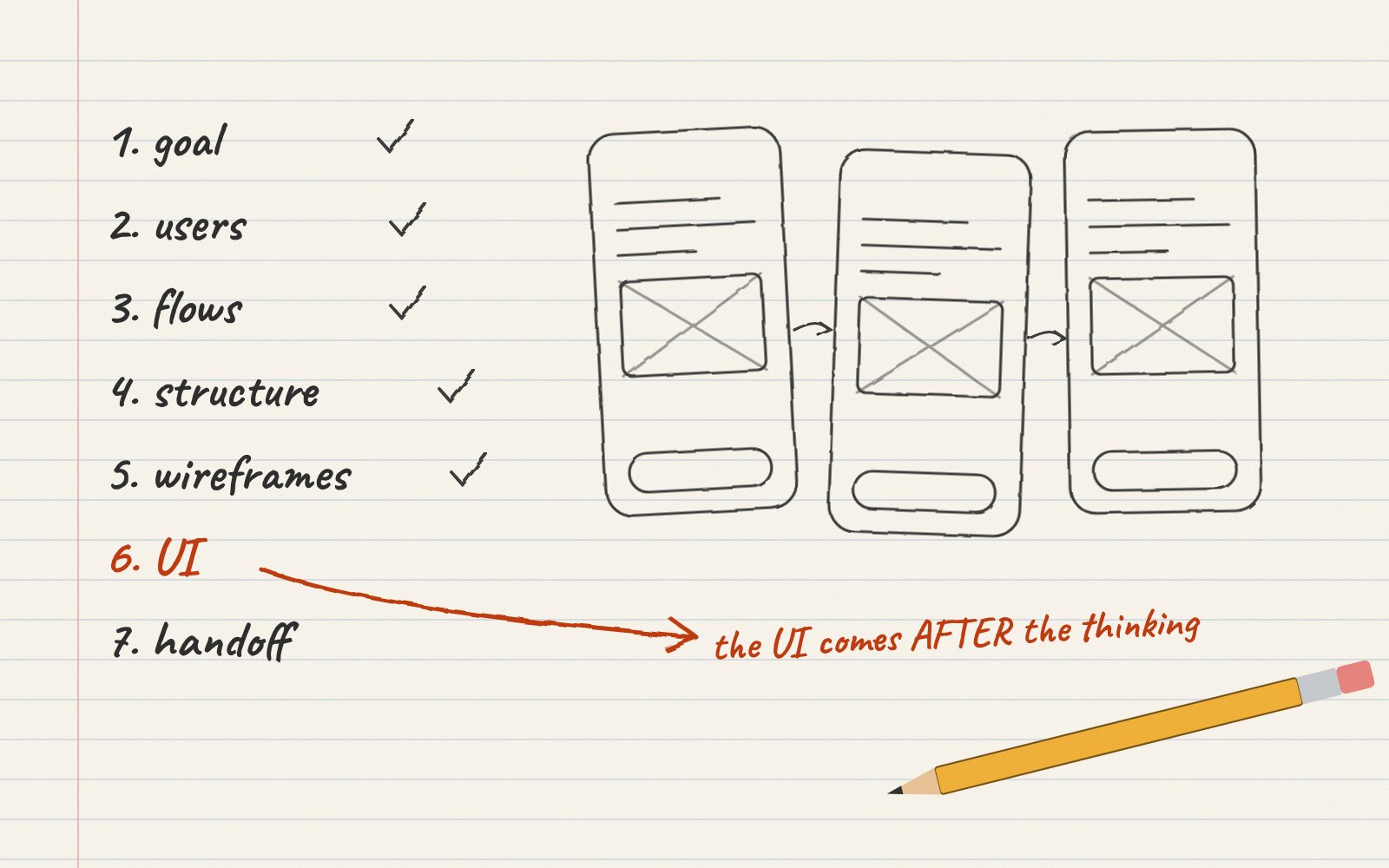
Almost every new client conversation starts the same way. Someone shares a few apps they love and says, “Can we start with the home screen?” I understand the urge. Screens are the part of design you can see, so they feel like real progress.
But starting with the UI is like choosing curtains before the house has walls. You can do it and the curtains might be lovely, but you will probably end up changing them once you know where the windows go. In my process the UI is step six. Here is what comes before it and why each step saves you time and money later.
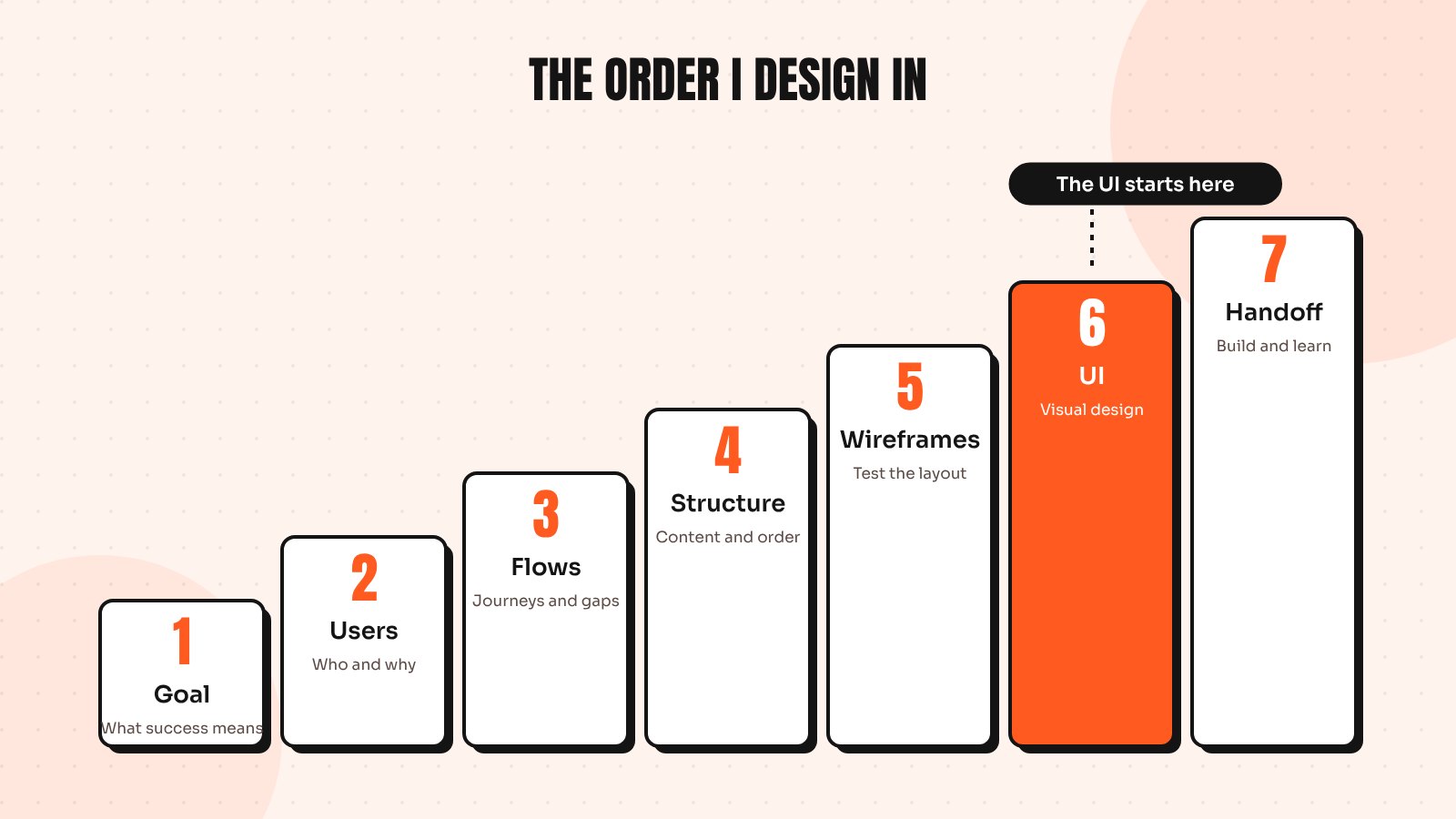
Step 1: Understand the business goal
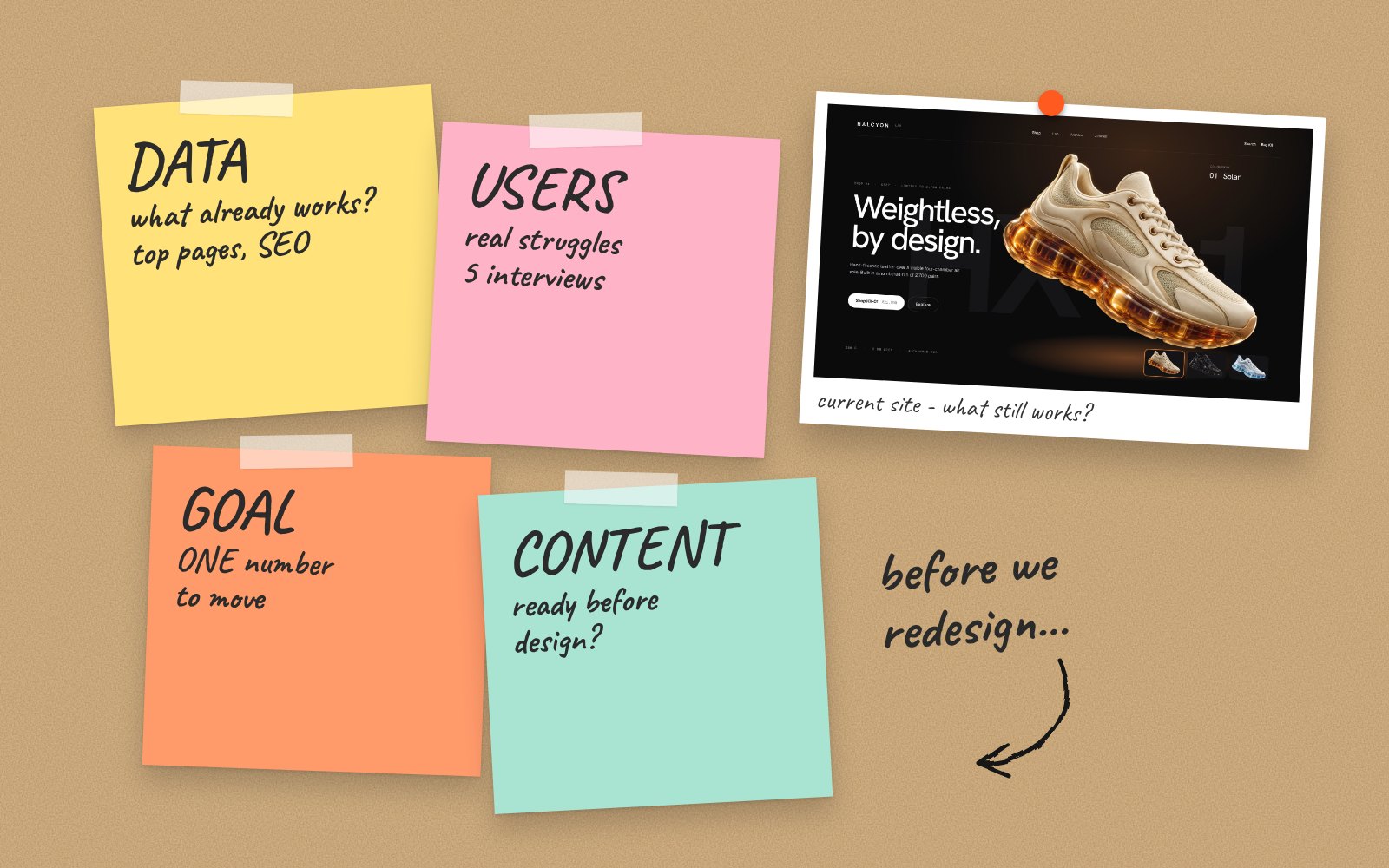
Before anything else, I want to know what success looks like for you. More sign-ups? Fewer support tickets? Higher order value? A design that looks great but moves none of these numbers is decoration. One clear goal also makes every later decision easier, because we can ask “does this help the goal?” instead of “do we like it?”
Step 2: Learn about the users
Next comes the people who will use the product. Who are they, what are they trying to get done and what gets in their way today? This doesn’t need to be a month of research. A handful of user interviews, a look at support emails and some time in your analytics usually reveal more than any brainstorm.
Step 3: Map the flows
Now I sketch the journeys: how someone signs up, finds a product, completes a task or gets help. Flows show missing steps, dead ends and places where users have to think too hard. It is far cheaper to move a box on a flow chart than to rebuild a finished screen.
Step 4: Plan the content and structure
What information does each screen need and in what order? Information architecture sounds technical, but it is really about putting things where people expect them. Real content matters here too. Designing around “Lorem ipsum” hides problems that real headlines, prices and error messages expose straight away.
Step 5: Wireframe and test
Wireframes are simple grey layouts that focus on structure, not style. Because they’re quick to change, this is the best moment to test with real people. Five short usability sessions will show you most of the big problems, a point Nielsen Norman Group’s usability heuristics make clear: usability issues are cheapest to fix early.
Step 6: Design the UI
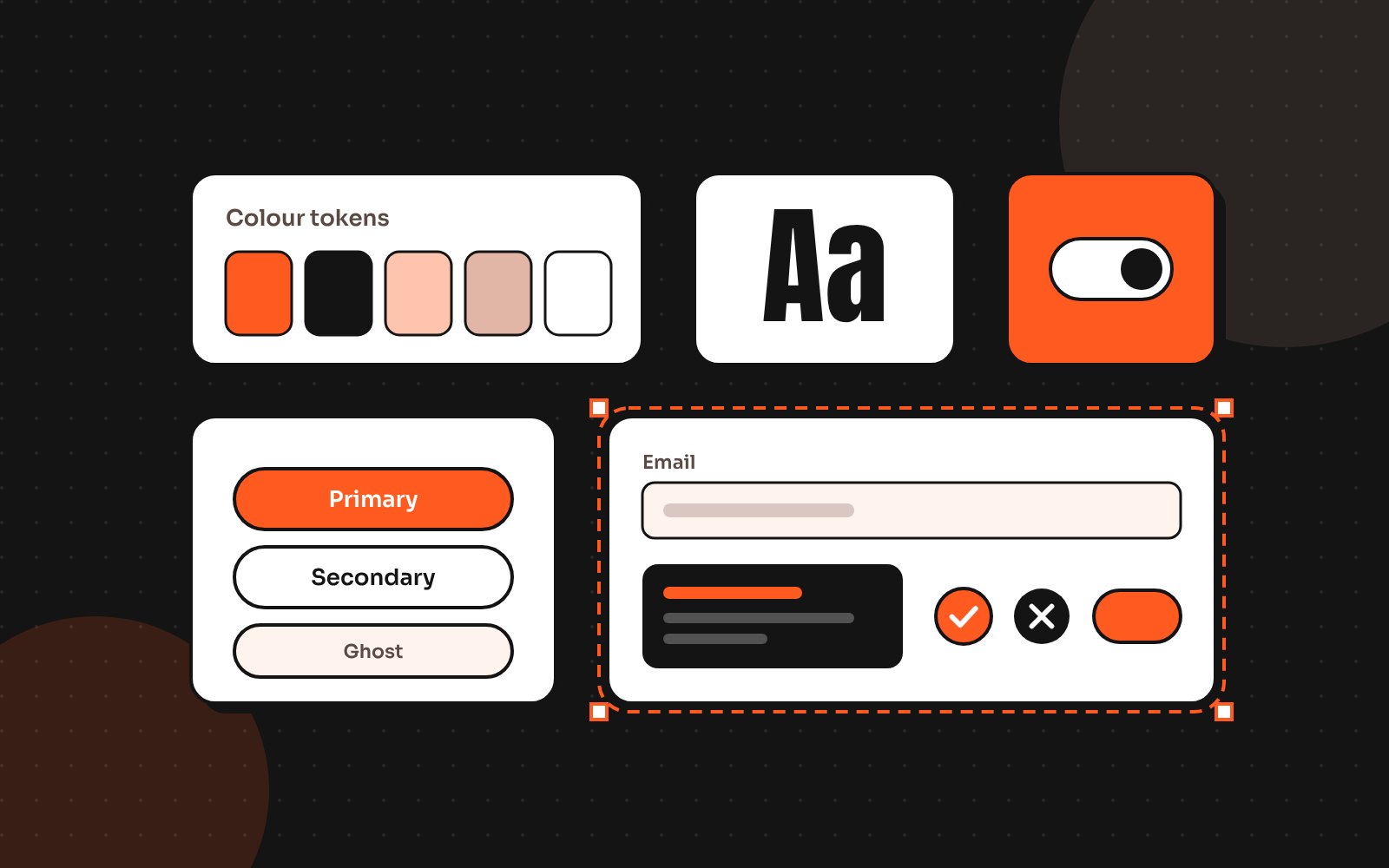
Only now does the visual design begin: typography, colour, imagery, icons and the small details that make a product feel trustworthy. Because the structure has already been tested, the UI can focus on clarity and personality instead of fixing layout problems. This step is also where a lightweight design system starts, so every screen uses the same buttons, spacing and type.
Step 7: Prototype, hand off and learn
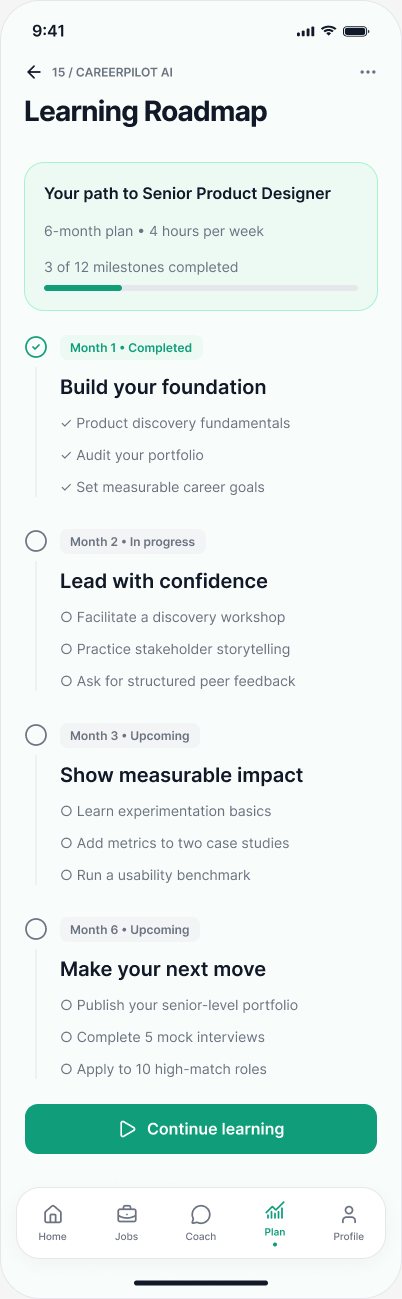
Finally, I connect the screens into a clickable prototype, prepare clean Figma files for developers and stay involved while the product is built. After launch, real usage data feeds back into step one. Good products go round this loop many times.
What this looks like in time and money
Clients sometimes worry that the first five steps slow things down. In practice, they speed the project up. Here is a typical split for a focused product or website project:
- Steps 1 and 2 (goals and users): about 10 to 15% of the time
- Steps 3 to 5 (flows, structure and wireframes): about 35 to 40%
- Step 6 (UI design): about 30%
- Step 7 (prototype and handoff): about 15 to 20%
The UI still gets plenty of attention. It just stops absorbing endless rounds of changes, because the big questions were settled before it started.
When you can skip ahead
Not every project needs every step at full depth. If you’re adding a feature to a mature product with a solid design system, steps one to four might take a single afternoon. If you’re redesigning a store that already converts well, the research might be a quick review of analytics and a 5-minute UX audit. The order stays the same; only the depth changes.
How to use this with any designer
Whether you hire me, an agency or an in-house designer, ask them to walk you through their process. If the first deliverable they promise is a polished home screen, ask what happens before it. A good designer will happily show you the thinking that makes the screens work.
If you want to see this process applied to real projects, have a look at my case studies or read what to check before you redesign.
Send me your screens and I’ll show you where users drop off and what to fix first.
Quick answers
What are the main steps of the UI/UX design process?
A typical process runs through business goals, user research, user flows, content and structure, wireframes and testing, UI design, then prototyping and developer handoff. The visual UI comes late so it can build on decisions that have already been tested.
Why shouldn’t a design project start with the UI?
Starting with polished screens makes it expensive to change direction. Problems with flows and structure surface late and the team ends up redesigning finished screens instead of moving boxes on a wireframe.
How long does a UI/UX design project take?
A focused website or product flow often takes three to six weeks. Larger SaaS platforms or mobile apps take longer, depending on the number of flows and how much research is needed.